John
K12 Educational
Technology Strategy
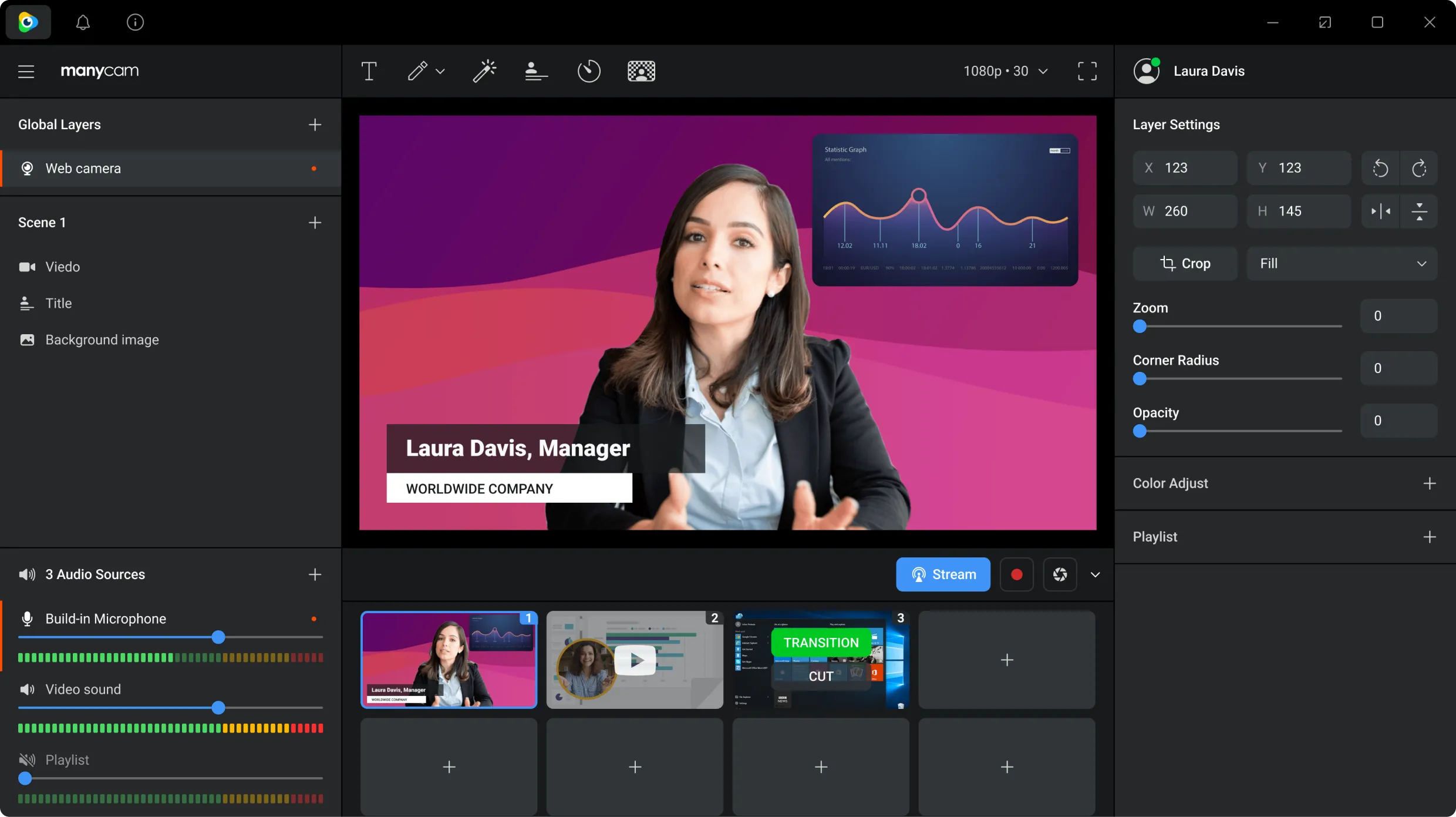
I appreciate how Manycams is like a mini-production studio. What used to take a Tricaster/Video Toaster setup can now be done in software using a standard PC. I can switch back and forth between instructor view, demonstration camera, audience view, presentation slide deck or video, etc… and it is seamless. I can turn on lower-thirds to give context to a video or a speaker, and by running it through a virtual camera, it seamlessly plugs into almost any conference medium whether it's Microsoft Teams, Zoom, Blackboard, Adobe Connect, etc…. I can use regular consumer level webcams to create a ‘circular’ view for around the table discussions instead of purchasing expensive PTZ cameras for meetings, I can also facilitate an online conference with keynote speakers, panels, audience, etc… with simple inexpensive setups. In a nutshell, it really lets me show off the content without requiring expensive technology and having the technology control what can happen.